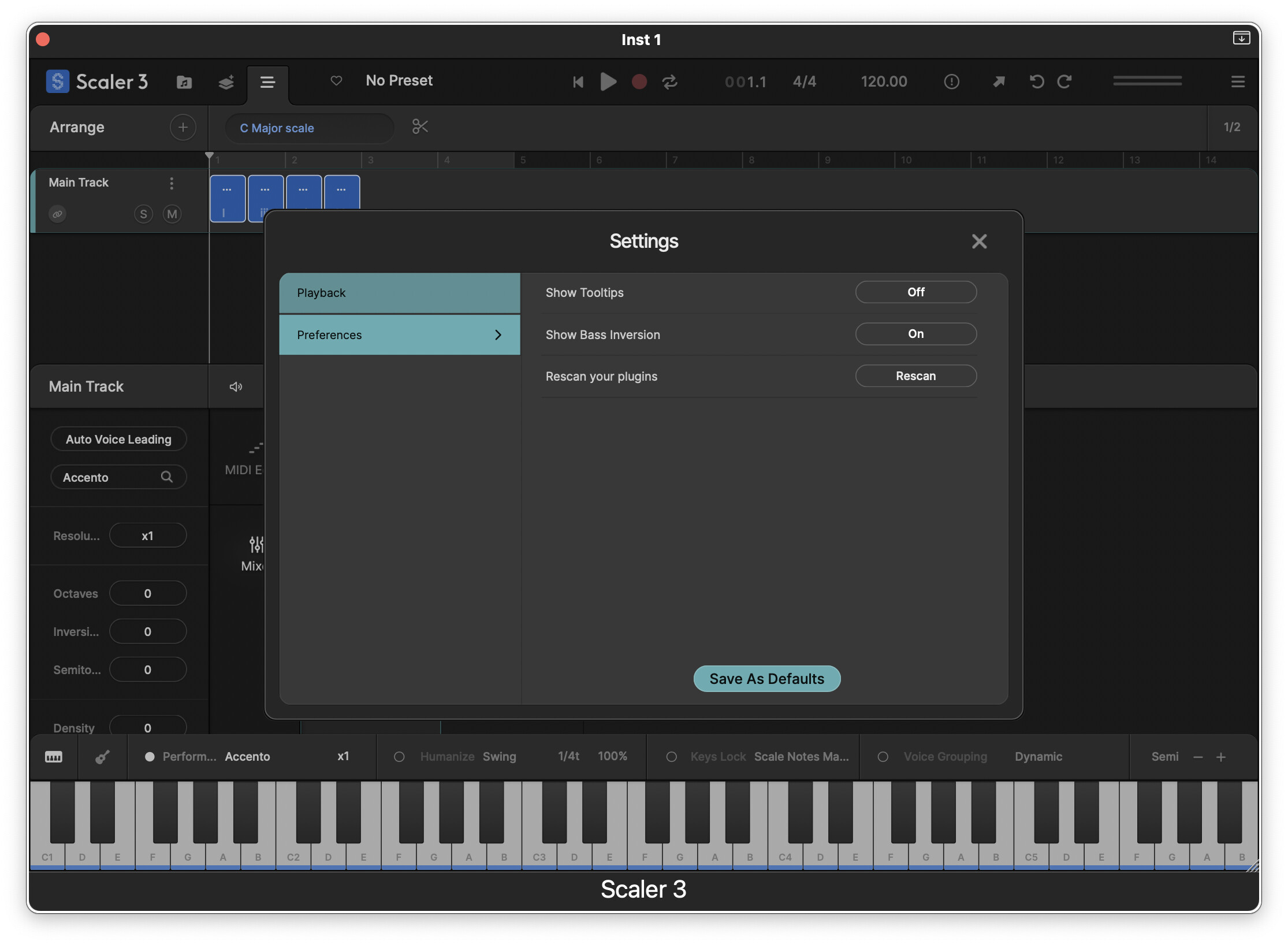
Unless I have missed it, it would be nice to have a ‘Rescan’ plugins button. Also… setting custom VST and VST3 folders, like that is done in Live, would also be useful.
Great work!
Unless I have missed it, it would be nice to have a ‘Rescan’ plugins button. Also… setting custom VST and VST3 folders, like that is done in Live, would also be useful.
Great work!
Welcome @Shadowsxn Rescan is in your Settings menu
When I first installed S3 I chose VST, VST3 and AU. I have since decided I would prefer to have only VST3. Is there any way for me to change this or do I need to uninstall and reinstall the program?
After it almost completes a scan, I get Error 2
I’d post a picture here, but I get an error when trying to “upload media”
Hi, @Shadowsxn The solution found at this comment worked for myself and many others. It’s only a temporary solution, but it at least gets you beyond the error
Thank you kalqlate! That worked perfectly, deleting the cache. Much appreciated